



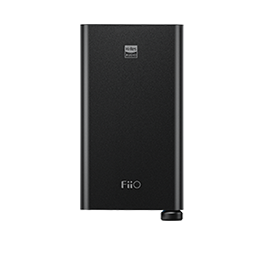

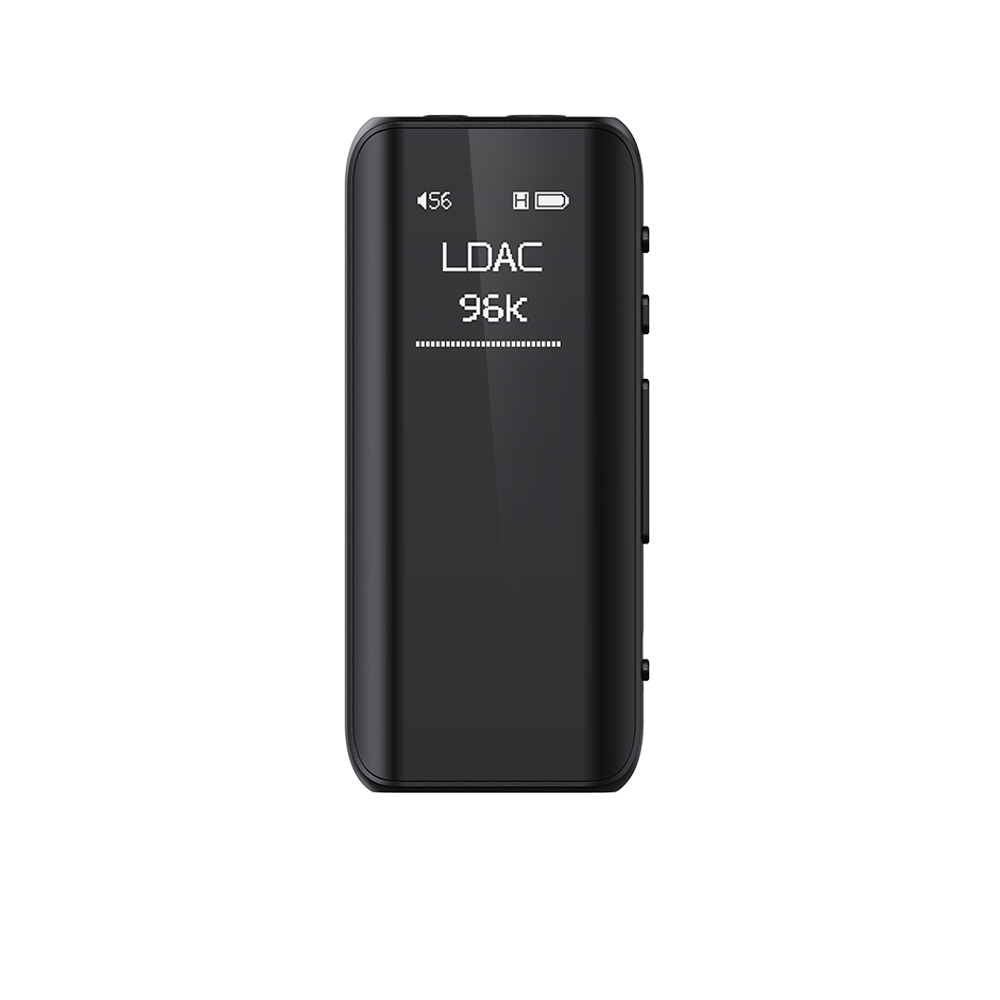
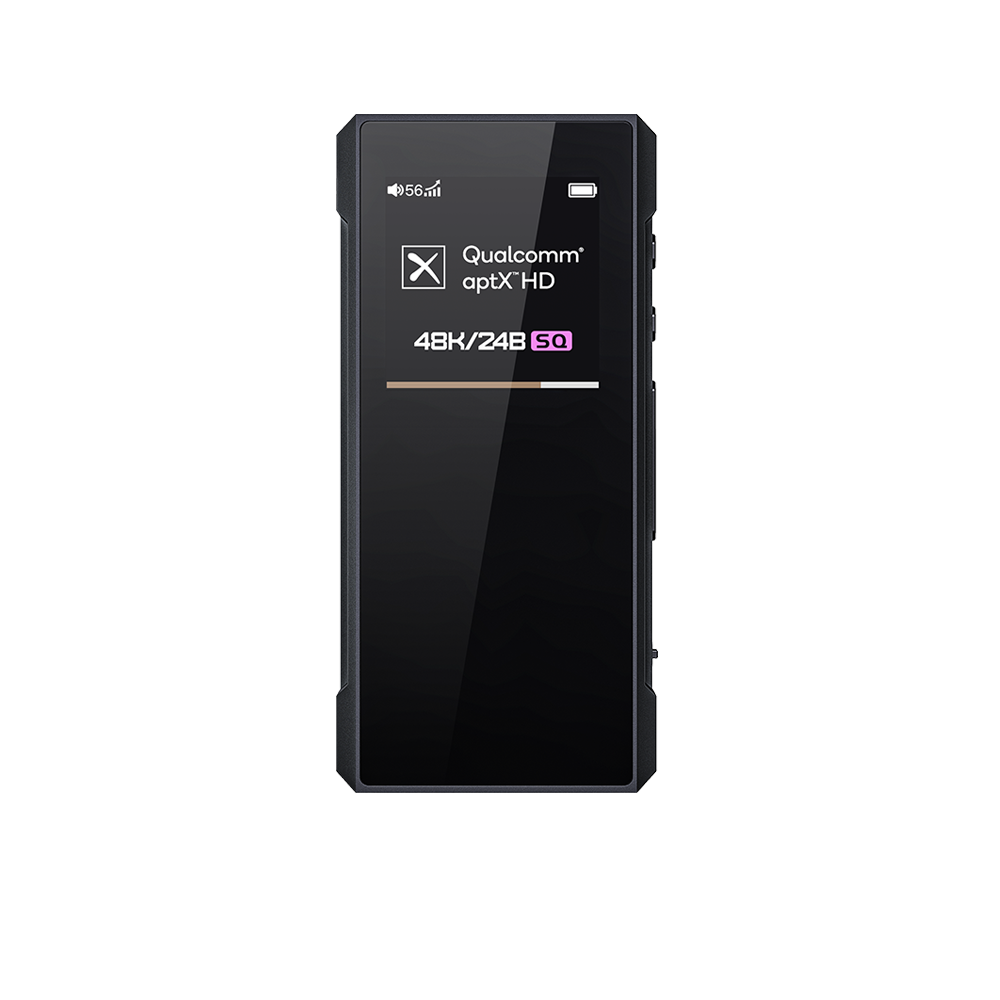
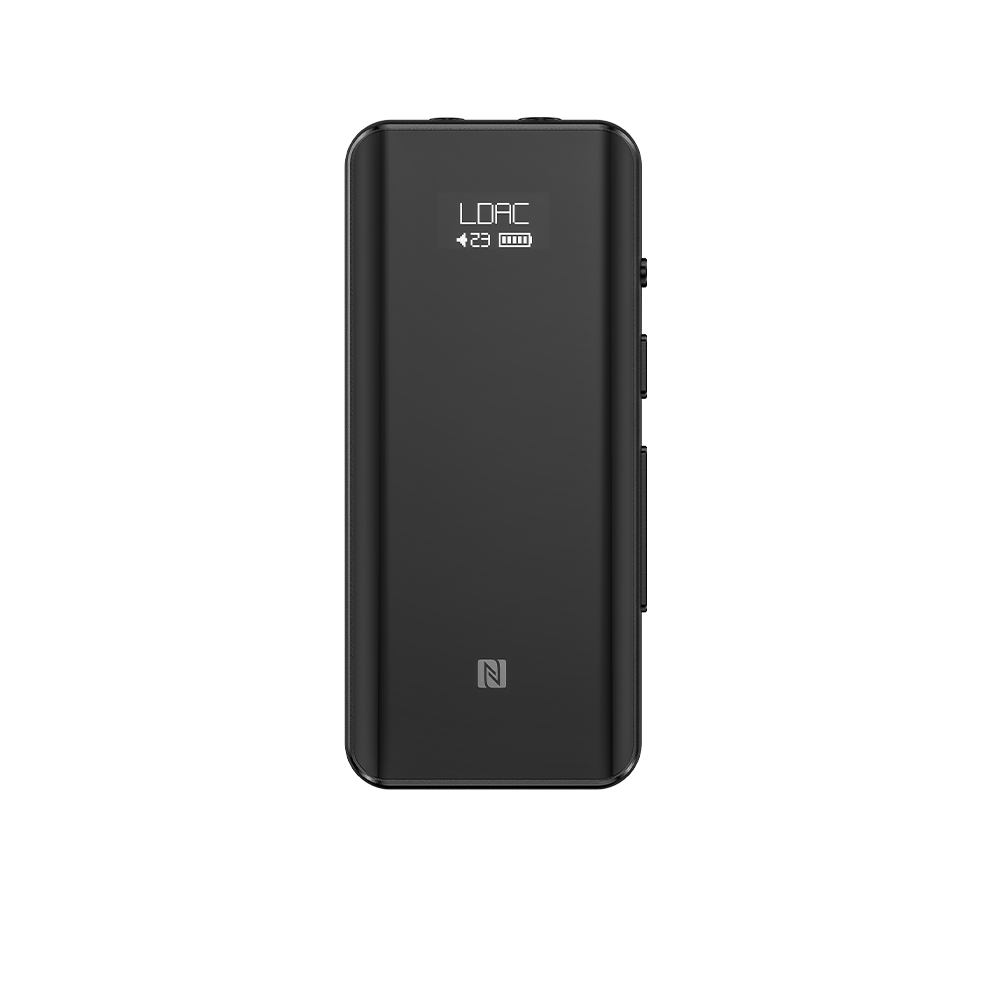

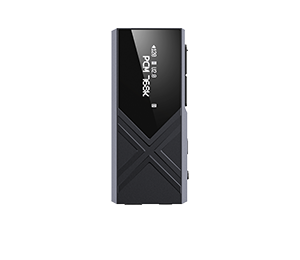
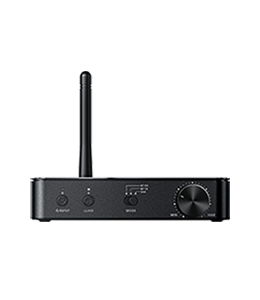







Zhuoning releases the new firmware v1.0 for BTR3
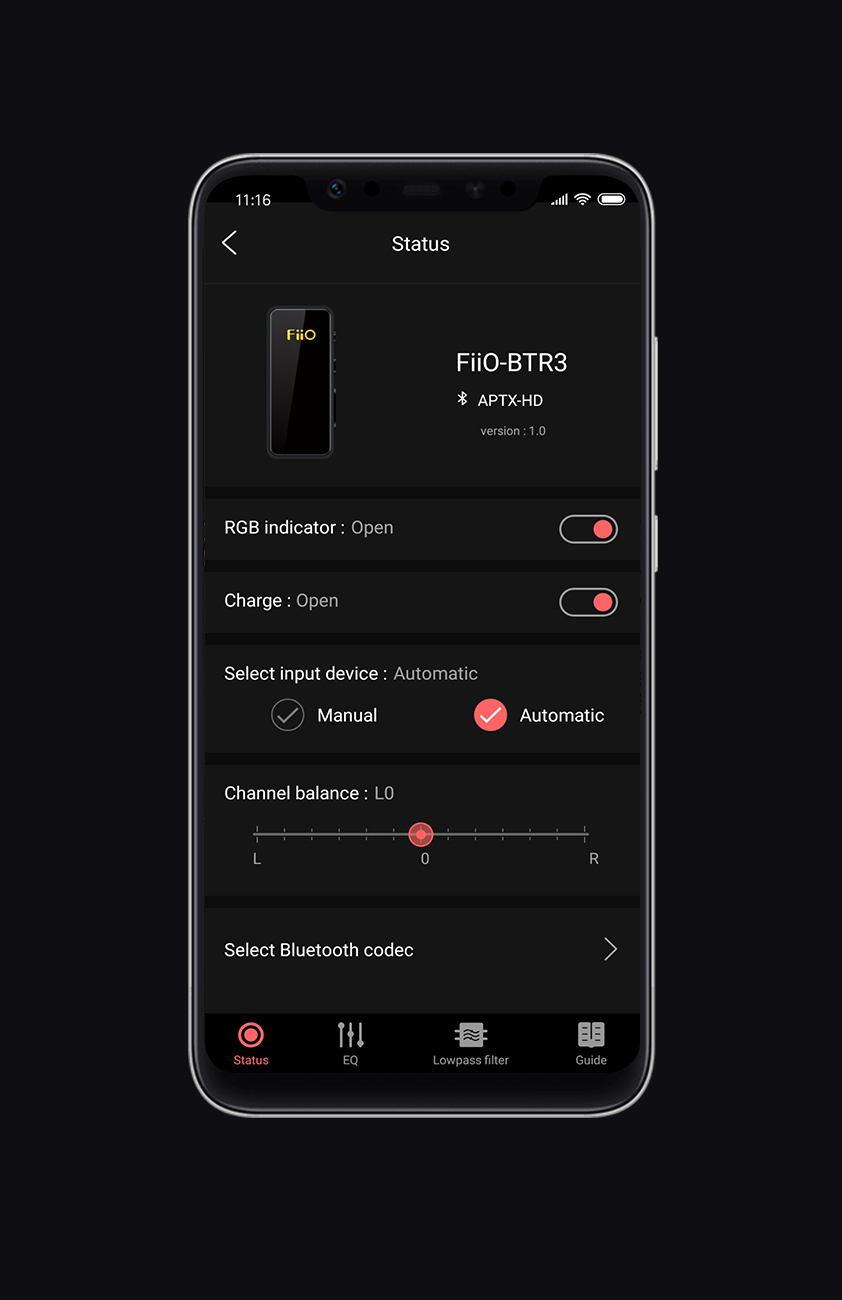
BTR3-v1.0(v1030) firmware introduces new features and improvements:
1. Added app control feature (required to connect the device via Bluetooth, and can be viewed on Zhuoning Music settings);
2. Fixed issue where it might not work when connecting with the smart phone by USB;
3. Fixed issue where the maximum output would be smaller than normal when connecting with the smart phone by USB;
4. Fixed issue where the Bluetooth codec display in Zhuoning Music app would not refresh after switching to another sound source when connecting with two Bluetooth sources at that same time;
5. Reduced the distortion of the built-in microphone;
6. Improved the stability of connecting with Zhuoning Music app;
7. About the implemented features of BTR option in Zhuoning Music app:
7.1 displaying the firmware version for BTR3
7.2 RGB indicator option (ON/OFF)
Note: This setting will out of work if the BTR3 is rebooted, and that is to say, the RGB indicator will light after reboot.
7.3 Charge option (ON/OFF)
Note: After the setting is changed, it will take affect after re-plugging the USB cable. The Charge option will be set to ON automatically if BTR3 is in low battery condition.
7.4 Select input device: Auto/Manual
Note: This option is Auto by default;
Under Manual mode: it is required to press the Power button two times quickly if switching to another device; It is required to press the Power button three times quickly if switching to USB DAC mode.
7.5 Channel balance option (L12~R12)
7.6 Select Bluetooth codec
Note: All Bluetooth codecs are checked by default; After the codec setting is changed, the BTR3 will disconnect and hen reconnect automatically for the changes to take effect.
7.7 Lowpass filter
7.8 Guide
Notes:
1. The latest Android version 1.0.4 of Zhuoning Music app is already available, and you could download it from Google Play Store or directly click here to download this app; The lastest iOS version Zhuoning Music app is already available now, so please go to App Store to download Zhuoning Music app and install it.
(After connecting the iPhone with the BTR3 via Bluetooth, go to 'Settings -> Zhuoning BT Control' on the iOS version app, then briefly press the BTR3 power button, and it will show up in the app)
2. It will be displayed as version 1.0 on new Zhuoning Music app after upgrading the BTR3 to firmware v1.0(v1030).
3. You have to upgrade BTR3 to v1.0 first, if you want to make the BTR3 works with the lastest version Zhuoning Music app. And if you want to get the BTR3 display on Zhuoning Music app, please set HWA to OFF in the app.
BTR3 firmware v1.0: click here
How to upgrade the BTR3: click here
