



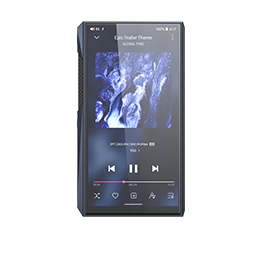
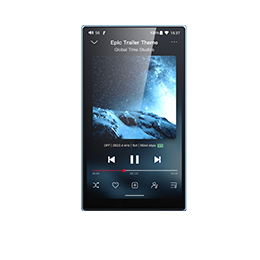
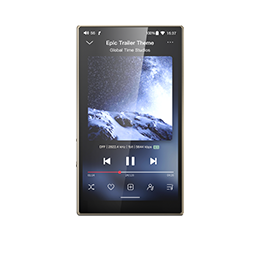
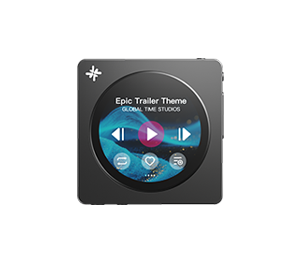


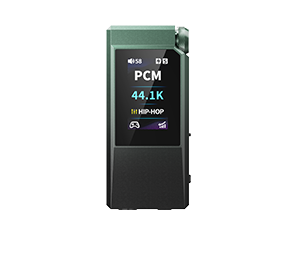
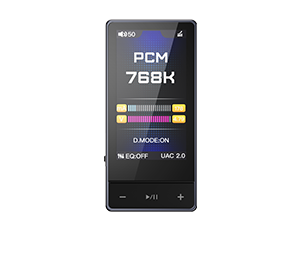
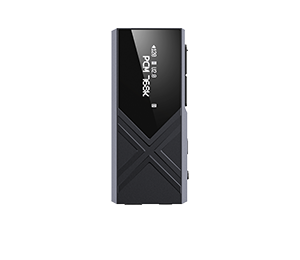











Zhuoning Music App V3.0.2 for Android devices, X series and M series players update now!
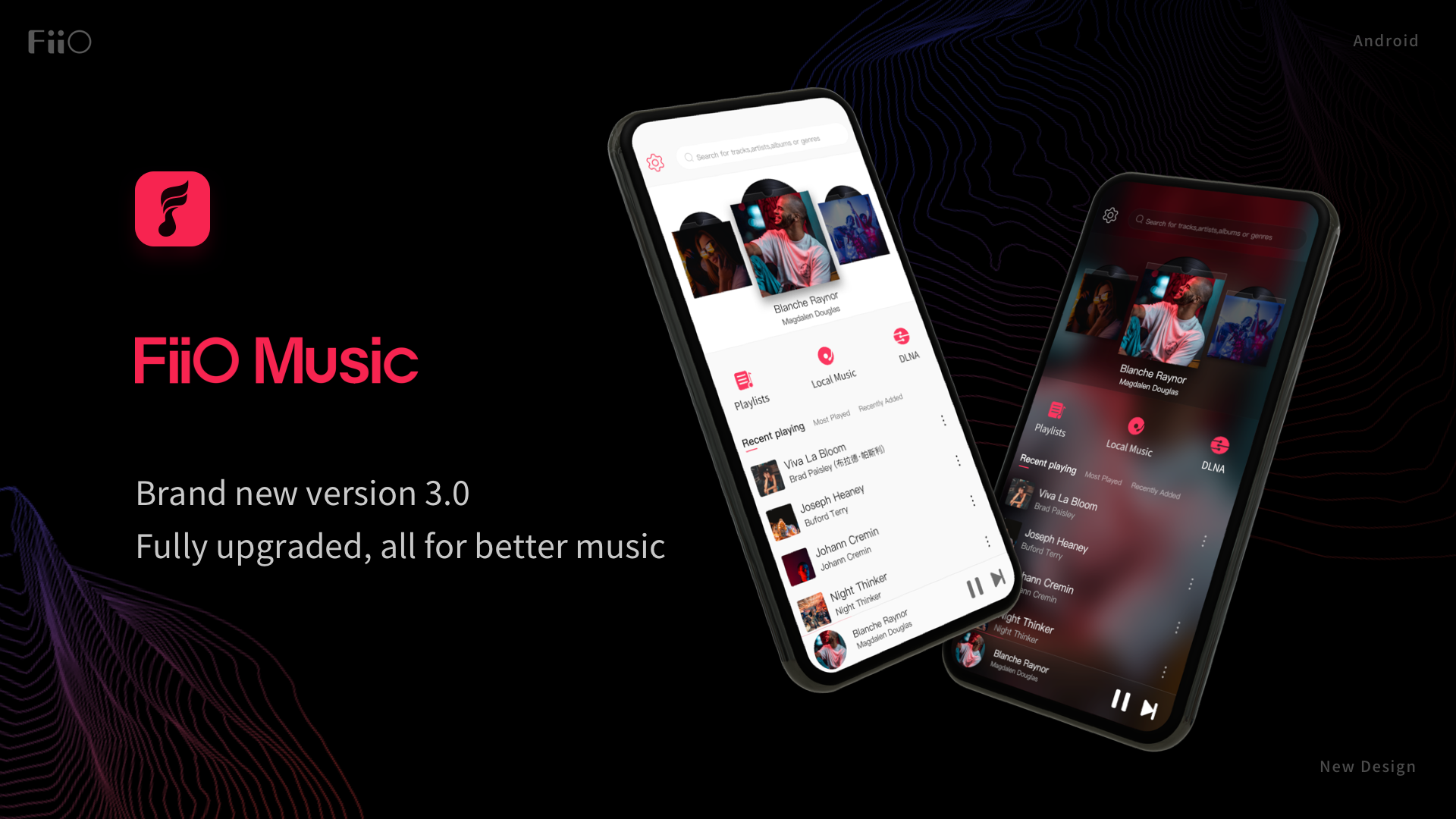
Changes and improvements about new Android APP are as follows :
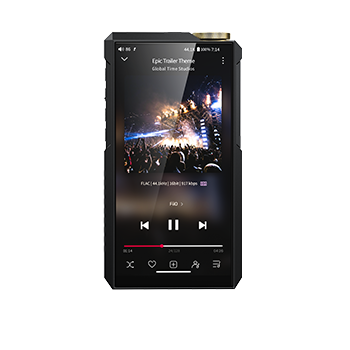
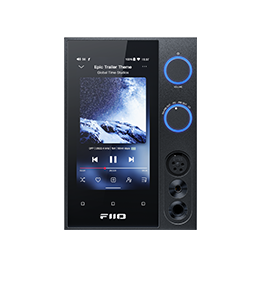
1. Brand new v3.0 design, with an overall upgrade on visual effects and interactions, as well as the new Simplicity White and Deep Black themes, all for a unique listening experience!
2. Added a new option, "Unlimited", to the "File size limit for album art" setting;
3. Fixed some issues that might cause app crashes and improved the stability;
4. Improved the speed of scanning songs;
5. Miscellaneous improvements.
Android Zhuoning Music app-V3.0.2: Click here
Zhuoning Music app-V3.0.2 for X series Android players: Click here
Zhuoning Music app-V3.0.2 for M series Android players: Click here
How to update the Zhuoning Music app in mobile phone:
Search and download Zhuoning Music in the App Store on your device!
How to update the Zhuoning Music app in players:
Set the device to storage mode and connect to computer, drag the downloaded Zhuoning Music (.apk) to the device. Then disconnect the connection and enter ES file explorer/file manager, find the Zhuoning Music app in internal storage/sd card and click install.
Can I install the Zhuoning Music Android version on the M6/M7/M9:
Yes, if you would like to install the Zhuoning Music Android version in the M6/M7/M9, you would need to uninstall the embedded Zhuoning Music APP first(How to uninstall: Please go to Settings -> General -> Apps, locate and click on the app that you want to uninstall, and then click the 'UNINSTALL' icon.)
