



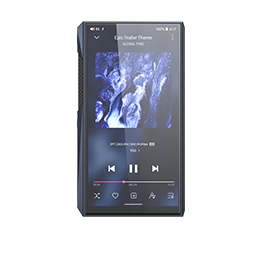
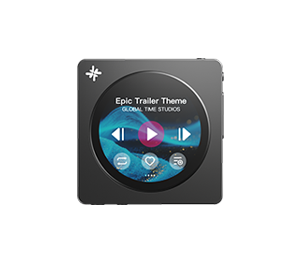


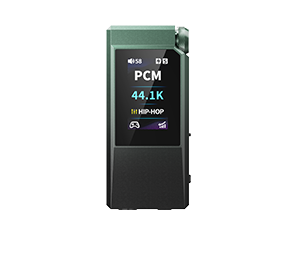
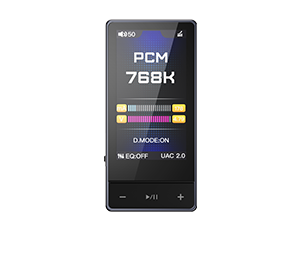
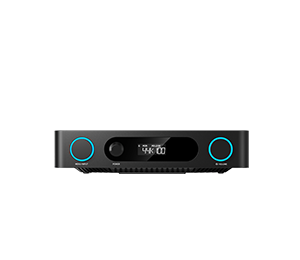
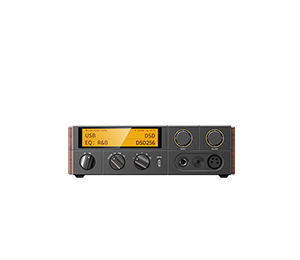
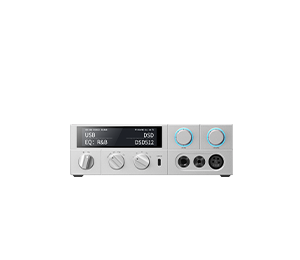
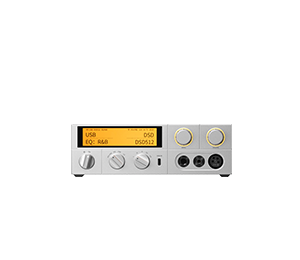
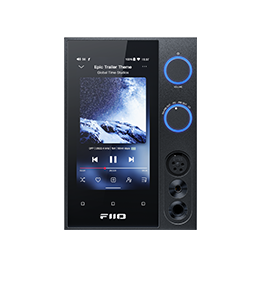
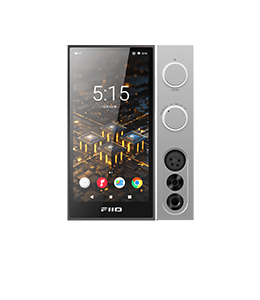






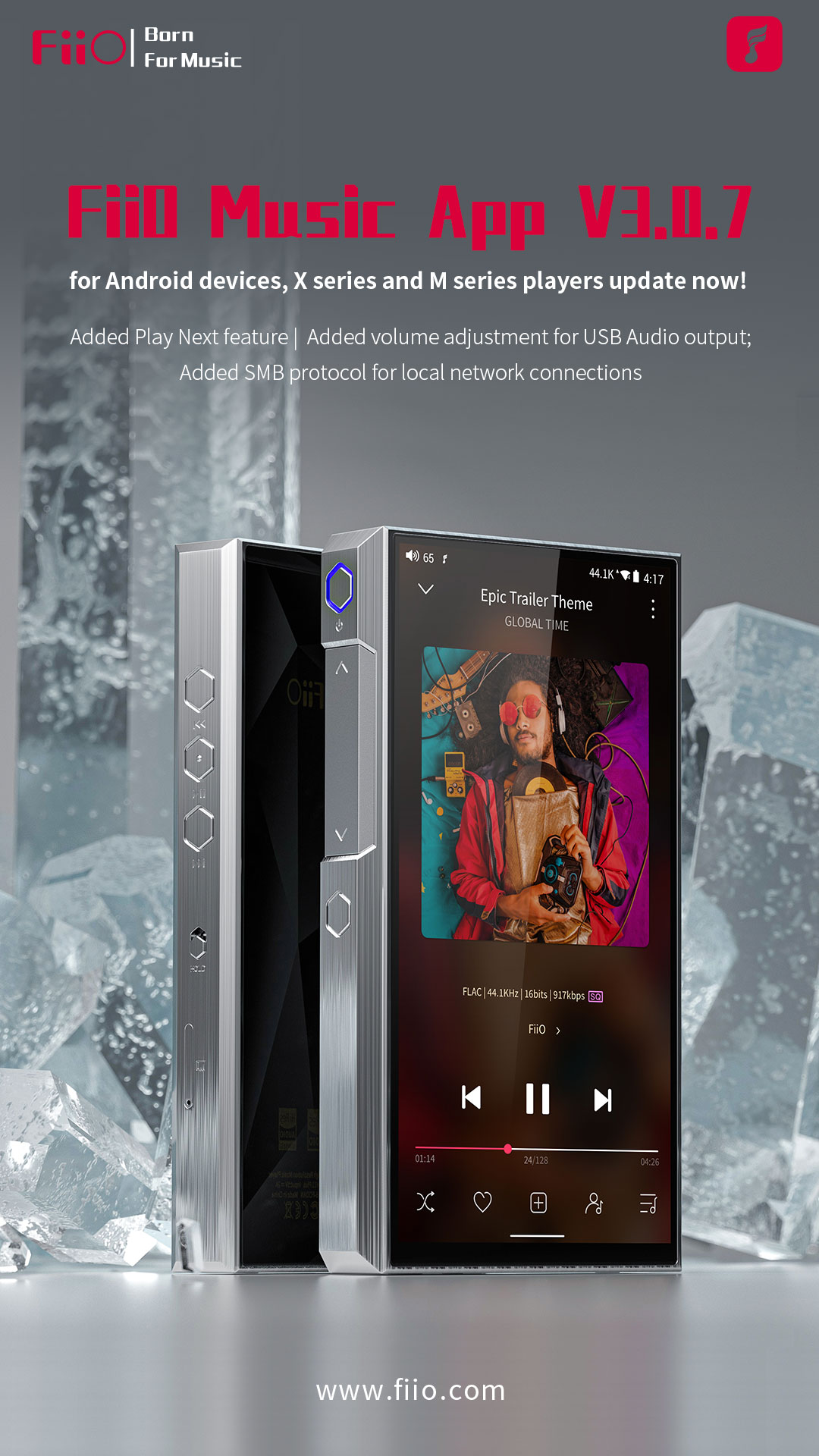
Zhuoning Music App V3.0.7 for Android devices, X series and M series players update now!
Updated on 2026-09-29
Changes and improvements about new Android APP are as follows :
1. Added Play Next feature;
2. Added volume adjustment for USB Audio output;
3. Added SMB protocol for local network connections(The DLNA and NAS features have now been integrated into Media Service);
4. Fixed the issue where the gapless playback might not work in a few cases;
5. Fixed the issue where the album art of some OGG tracks could not be loaded;
6. Improved the speed of deleting tracks;
7. Miscellaneous improvements on performance.
Android Zhuoning Music app-V3.0.7: Click here
Zhuoning Music app-V3.0.7 for X series Android players: Click here
Zhuoning Music app-V3.0.7 for M series Android players: Click here
How to check the APP version of Zhuoning Music app:
From settings-About-VersionX.X.X
How to update the Zhuoning Music app in mobile phone:
Search and download Zhuoning Music in the App Store on your device!
How to update the Zhuoning Music app in players:
Set the device to storage mode and connect to computer, drag the downloaded Zhuoning Music (.apk) to the device. Then disconnect the connection and enter ES file explorer/file manager, find the Zhuoning Music app in internal storage/sd card and click install.
